Sign-In
Your CPRToday! account
CPRToday! is an online CPR, BLS, First Aid and advanced life support training service. Registration is free for life, training and exams cost nothing, and you pay only when you pass and want the certificate. This page explains what you can do without an account, what an account adds, and exactly what happens when you sign in with Google.
What CPRToday! does
CPRToday! Inc. has trained and certified people online since 1999. You pick a course, work through the material at your own pace on any device, and take the final exam when you are ready — as many times as you need, at no cost. When you pass, you can buy a 2-year certificate and wallet card and download them immediately. Our certifications follow current AHA guidelines and are accepted in all 50 states.
There is no appointment, no classroom and no subscription. The only thing an account does is hold your courses, your exam results and the certificates issued in your name.
What you can do without an account
Most of CPRToday! is open to anyone. You do not need to register, and you do not need to sign in, to do any of this:
-
Browse every course
Read what each CPR, BLS, First Aid, ACLS, PALS and NRS course covers, who it is for and what it costs.
-
Preview a certificate
See exactly what the wall certificate and wallet card look like before you train.
-
Verify a certificate
Employers and licensing bodies can confirm any CPRToday! certificate without signing in.
-
Read the FAQ
Acceptance, renewals, pricing, exams and refunds, answered in plain language.
-
Contact our team
US-based support, 7 days a week. No account needed to reach us.
What an account adds
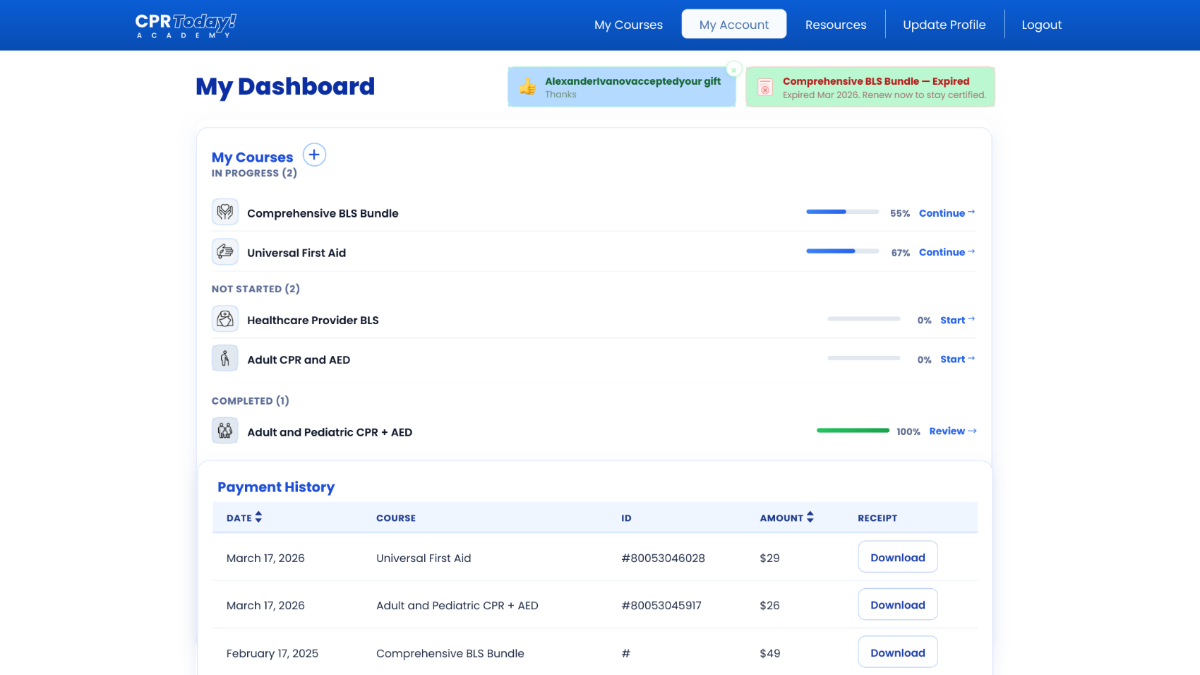
Registering opens your Personal Certification Hub™. It is free for life and there is nothing to cancel. From it you can:
- Start any course and pick up where you left off, on any device
- Take and retake final exams, free, until you pass
- Enroll in additional certification courses at any time
- Download your certificates and wallet cards whenever you need them
- Get a reminder before a certification expires
- Share proof of certification with an employer in one click
Three ways to sign in
When you register or sign in, you can choose any of the following. All three create the same kind of account, and you can always reach support if you lose access to one.
-
Sign-in option
Email and password
Register with your name, email address and a password you choose. Always available, and never requires a third-party account.
-
Sign-in option
Continue with Google
Use your existing Google Account instead of creating another password. Covered in detail below.
-
Sign-in option
Continue with LinkedIn
Use your LinkedIn account. We receive your name and email address to create your account, nothing more.
Signing in with Google
“Continue with Google” lets you use your existing Google Account rather than creating another password. It is entirely optional — the email-and-password option is always there, and nothing on CPRToday! requires a Google Account.
What we ask Google for
We request three non-sensitive scopes, and only these three:
openidA unique identifier for your Google Account, so we recognize you next time.emailYour email address, which becomes the email address on your account.profileYour basic profile: your name, and your profile picture.
What we do with it
One thing: create your CPRToday! account and sign you in to it. Your name becomes the name on your account and on any certificate issued to you, and your email address is where receipts, exam results and expiration reminders are sent. That is the whole of it.
CPRToday!’s use and transfer of information received from Google APIs adheres to the Google API Services User Data Policy, including its Limited Use requirements. Section 3 of our Privacy Policy sets this out in full.
The documents
Everything above is governed by: